




粉笔说
46.98M · 2026-03-25

| 类型 | 后缀 | |
|---|---|---|
| 图片 | .jpg, .jpeg, .jpe, .jfif, .png, .gif, .bmp, .dib, .webp, .svg, .avif, ico | |
| 视频 | .mp4, .m4v, .webm, .ogv, .m3u8, .mpd | |
| 音频 | .mp3, .mp2, .mp1, .mpga, .m4a, .mp4, .aac, .ogg, .oga, .wav, .wave, .webm, .opus, .flac | |
| PDF文档 | ||
| Office | .doc, .docx, .xls, .xlsx, .ppt, .pptx | |
| 3D 模型 | .glb, .gltf, .obj, .stl | |
| DXF矢量图 | .dxf | |
| JSON | .json | |
| Markdown文档 | .md | |
| 纯文本 | .txt |
在线示例
示例源码
pnpm add @pangju666/file-viewer

yarn add @pangju666/file-viewer

npm install @pangju666/file-viewer
在你的 main.ts 或 main.js 中注册插件:
import {createApp} from 'vue'
import App from './App.vue'
import FileViewer from '@pangju666/file-viewer'
import '@pangju666/file-viewer/index.css'

const app = createApp(App)
app.use(FileViewer)
app.mount('#app')
一次型导入数据,数据结构:FileItem
<template>
  <file-viewer :data="fileItems"/>
</template>

<script setup>
  import {FileViewer} from '@pangju666/file-viewer'
  import '@pangju666/file-viewer/index.css'
  import {ref} from "vue";

  const fileItems = ref([{
    source: "https://disk.sample.cat/samples/pdf/sample-a4.pdf",
    mimeType: "application/pdf",
    name: "Sample A4 PDF",
    type: "PDF文档",
    cover: "https://07akioni.oss-cn-beijing.aliyuncs.com/07akioni.jpeg",
    tags: ["测试文件", "示例PDF"],
    size: 10000000,
    descriptions: [
      {
        name: "创建事件",
        value: "2026-3-18",
      },
      {
        name: "创建作者",
        value: "胖橘",
      },
    ],
  },
    {
      source: "https://disk.sample.cat/samples/png/monalisa-1200x1200.png",
      mimeType: "application/pdf",
      name: "Monalisa 1200x1200",
      type: {
        label: "图像",
        value: "image",
      },
      cover: "https://07akioni.oss-cn-beijing.aliyuncs.com/07akioni.jpeg",
      tags: [
        {
          value: "测试文件",
          type: "info",
        },
        {
          value: "测试文件",
          type: "success",
        }
      ],
      size: 10000000,
      descriptions: [
        {
          name: "创建事件",
          value: "2026-3-18",
        },
        {
          name: "创建作者",
          value: "胖橘",
        },
      ],
    }]);
</script>
分页导入数据,数据结构:FileItem
<template>
  <file-viewer :on-load="onLoad"/>
</template>

<script setup>
  import {FileViewer} from '@pangju666/file-viewer'
  import '@pangju666/file-viewer/index.css'

  const onLoad = (
      page,
      types,
      keyword,
  ) => {
    return [/*...从服务端获取分页数据*/]
  };
</script>
文件类型信息的结构定义。
export type FileType = { label: string; value: string; } | string;
const fileTypes = [
    {
        label: "图片", // 图片作为显示文本
        value: "image", // image作为值
    },
    {
        value: "图片", // 图片作为显示文本和值
    },
    "图片"  // 图片作为显示文本和值
]
文件信息的结构定义。
export type FileItem = {
    source: string | File | Blob; // 源:URL、File 对象或 Blob
    mimeType?: string;           // MIME 类型(undefined 或为 null 时尝试使用 Blob 或 File 类型的 type 属性获取)
    id?: string;                // 唯一标识符,如果是pdf或office文件且需要使用onlyoffice预览,建议设置id
    name?: string;              // 文件名称(未定义时尝试使用 File 类型的 name 属性获取)
    type?: string | { label: string; value: string }; // 类型
    cover?: string;             // 封面图 URL
    size?: number;              // 大小(单位:字节)(undefined 或为 null 时尝试使用 Blob 或 File 类型的 size 属性获取)
    tags?: string[] | { value: string; type?: "default" | "primary" | "info" | "success" | "warning" | "error" }[]; // 标签集合
    descriptions?: { name: string; value: string }[];    // 描述信息
};
const fileItems = [
    {
        source: "https://disk.sample.cat/samples/pdf/sample-a4.pdf",
        mimeType: "application/pdf",
        name: "Sample A4 PDF",
        type: "PDF文档",
        cover: "https://07akioni.oss-cn-beijing.aliyuncs.com/07akioni.jpeg",
        tags: ["测试文件", "示例PDF"],
        size: 10000000,
        descriptions: [
            {
                name: "创建事件",
                value: "2026-3-18",
            },
            {
                name: "创建作者",
                value: "胖橘",
            },
        ],
    },
    {
        source: "https://disk.sample.cat/samples/png/monalisa-1200x1200.png",
        mimeType: "application/pdf",
        name: "Monalisa 1200x1200",
        type: {
            label: "图像",
            value: "image",
        },
        cover: "https://07akioni.oss-cn-beijing.aliyuncs.com/07akioni.jpeg",
        tags: [
            {
                value: "测试文件",
                type: "info",
            },
            {
                value: "测试文件",
                type: "success",
            }
        ],
        size: 10000000,
        descriptions: [
            {
                name: "创建事件",
                value: "2026-3-18",
            },
            {
                name: "创建作者",
                value: "胖橘",
            },
        ],
    },
]
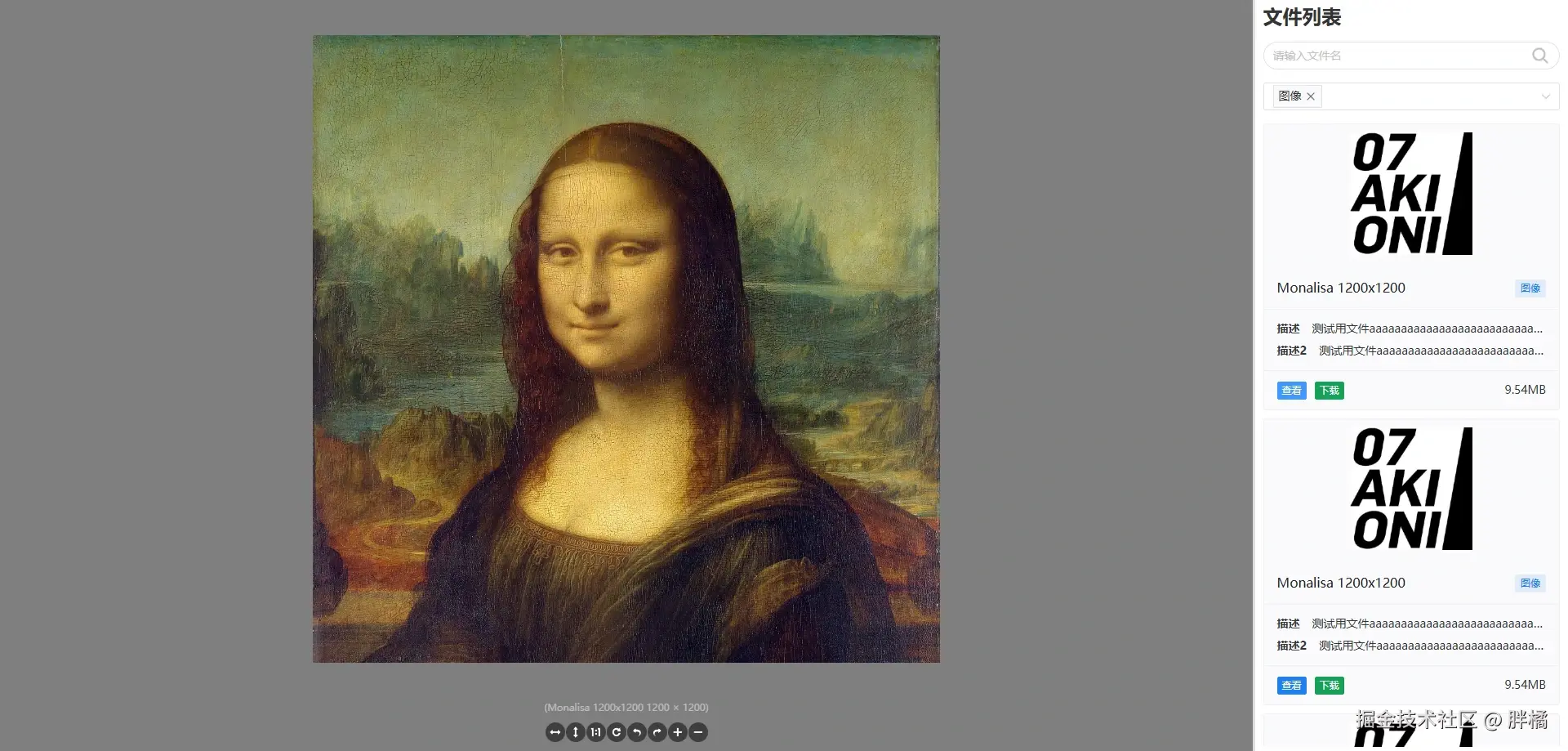
多文件预览组件,使用Naive UI Spin集成了单文件预览(左侧)和文件列表(右侧)。
除了继承自FileList和FilePreview的属性外,还包含以下属性:
| 名称 | 类型 | 默认值 | 说明 |
|---|---|---|---|
minSplitSize | number | string | 0.1 | 预览面板最小宽度比例(源自Naive UI Split的min属性) |
maxSplitSize | number | string | 0.9 | 预览面板最大宽度比例(源自Naive UI Split的max属性) |
defaultSplitSize | number | string | 0.8 | 预览面板默认宽度比例(源自Naive UI Split的default-size属性) |
autoDetectType | boolean | true | 是否根据文件内容自动检测 MIME Type |
detectFileType | (file: FileItem) => string | Promise<string> | 使用file-type实现 | 自定义文件类型检测函数(当autoDetectType为true时生效),类型参考FileItem |
showLoading | boolean | true | 是否显示加载提示 |
loadingText | string | "正在加载中..." | 加载提示文本(源自Naive UI Spin的description属性) |
loadingSize | "small" | "medium" | "large" | number | "large" | 加载图标大小(源自Naive UI Spin的size属性) |
| 名称 | 参数 | 说明 |
|---|---|---|
loading-start | () | 开始加载文件时触发(showLoading为false时才会触发) |
loading-end | () | 文件加载完成时触发(showLoading为false时才会触发) |
loading-error | () | 文件加载失败时触发(showLoading为false时才会触发) |
click-file | (file: FileItem) | 点击列表中的文件时触发(showLoading为false时才会触发),类型参考FileItem |
| 名称 | 参数 | 说明 |
|---|---|---|
changeFile | (file: FileItem) | 修改当前预览文件(主要结合自定义文件列表使用),类型参考FileItem |
| 名称 | 参数 | 说明 |
|---|---|---|
list | () | 右侧文件列表的展示 |
preview | (currentFile: FileItem) | 左侧预览区域的展示(showLoading为false时生效),类型参考FileItem |
文件列表组件,默认使用卡片形式展示文件信息
| 属性 | 类型 | 默认值 | 说明 |
|---|---|---|---|
title | string | "文件列表" | 标题 |
data | FileItem[] | Promise<FileItem[]> | (() => FileItem[]) | (() => Promise<FileItem[]>) | undefined | 文件数据(如果传入onLoad,则该属性无效),类型参考FileItem |
showBackTop | boolean | true | 是否显示回到顶部按钮 |
showSearch | boolean | true | 是否显示搜索框 |
showTitle | boolean | true | 是否显示标题 |
showFilter | boolean | true | 是否显示过滤器 |
showDescriptions | boolean | true | 是否显示文件描述信息 |
showCover | boolean | true | 是否显示文件封面 |
showTags | boolean | true | 是否显示文件标签信息 |
showType | boolean | true | 是否显示文件类型信息 |
coverHeight | number | string | 150 | 封面图片高度(源自Naive UI Image的height属性) |
coverObjectFit | "fill" | "contain" | "cover" | "none" | "scale-down" | "fill" | 封面图片缩放模式(源自Naive UI Image的object-fit属性) |
coverLazy | boolean | false | 是否懒加载封面图片(源自Naive UI Image的lazy属性) |
coverFallbackSrc | string | undefined | 封面图片加载失败时显示的地址,coverLazy为false时有效 |
coverFallbackIcon | Component | Image(@vicons/ionicons5) | 封面图片加载失败时显示的图标组件(源自Naive UI Icon的component属性),coverLazy为false时有效 |
coverPlaceholderSrc | string | undefined | 封面图片加载中显示的地址,coverLazy为true时有效 |
coverPlaceholderIcon | Component | Image(@vicons/ionicons5) | 封面图片加载中显示的图标组件(源自Naive UI Icon的component属性),coverLazy为true时有效 |
cardSize | "small" | "medium" | "large" | "huge" | "small" | 文件卡片大小(源自Naive UI Card的size属性) |
cardHoverable | boolean | true | 文件卡片是否可悬浮(源自Naive UI Card的hoverable属性) |
cardBordered | boolean | true | 文件卡片是否有边框(源自Naive UI Card的bordered属性) |
types | FileType[] | Promise<FileType[]> | (() => FileType[]) | (() => Promise<FileType[]>) | undefined | 文件类型数据(用于默认的过滤器组件数据),类型参考FileType |
filter | (file: FileItem, types: string[], keyword?: string) => boolean | 使用文件名和文件类型(type而不是mimeType)进行过滤 | 自定义文件数据搜索/过滤方法(如果传入onLoad,则该属性无效),类型参考FileItem |
onLoad | (page: number, types: string[], keyword?: string) => Promise<FileItem[]> | FileItem[] | undefined | 异步加载文件数据方法(传入后filter和data将失效,全权由onLoad来定义如何获取和过滤结果),类型参考FileItem |
noMore | boolean | undefined | 是否已加载全部数据(如果未传入onLoad,则该属性无效) |
customDownload | (fileItem: FileItem) => void | 使用a标签下载 | 自定义下载方法,类型参考FileItem |
| 名称 | 参数 | 说明 |
|---|---|---|
click-file | (file: FileItem) | 点击列表中的文件时触发,类型参考FileItem |
| 名称 | 参数 | 说明 |
|---|---|---|
refreshData | () | 刷新文件数据(主要结合自定义搜索框和过滤器使用) |
| 名称 | 参数 | 说明 |
|---|---|---|
title | () | 文件列表标题的展示(showTitle为true时生效) |
search | () | 搜索框的展示(showSearch为true时生效,需要结合refreshData方法使用) |
filter | () | 过滤器的展示(showFilter为true时生效,需要结合refreshData方法使用) |
loading | () | 文件数据加载中的展示 |
empty | () | 文件列表为空的展示 |
no-more | () | 没有更多数据的展示 |
back-top | () | 回到顶部按钮的展示 |
list | (fileList: FileItem[]) | 文件列表的展示,类型参考FileItem |
card-header | (fileItem: FileItem) | 文件卡片头部内容(源自Naive UI Card的header插槽),类型参考FileItem |
card-header-extra | (fileItem: FileItem) | 文件卡片头部额外内容(源自Naive UI Card的header-extra插槽),类型参考FileItem |
card-cover | (fileItem: FileItem) | 文件卡片封面内容(源自Naive UI Card的cover插槽),类型参考FileItem |
card-footer | (fileItem: FileItem) | 文件卡片标底部内容(源自Naive UI Card的footer插槽),类型参考FileItem |
card-action | (fileItem: FileItem) | 文件卡片操作区域左侧内容(源自Naive UI Card的action插槽),类型参考FileItem |
card-action-extra | (fileItem: FileItem) | 文件卡片操作区域左侧额外内容(与action插槽互斥),类型参考FileItem |
card-action-right | (fileItem: FileItem) | 文件卡片操作区域右侧内容(与action插槽互斥),类型参考FileItem |
card-default | (fileItem: FileItem) | 文件卡片内容(源自Naive UI Card的default插槽),类型参考FileItem |
单文件预览组件,根据文件的mimeType渲染不同类型的预览组件。
| 组件名称 | 对应mimeType | 组件说明 |
|---|---|---|
AudioViewer | image/(jpeg, png, gif, bmp, webp, svg+xml, avif, x-icon) | 音频预览组件。 |
VideoViewer | video/(mp4, webm), application/x-mpegURL, application/vnd.apple.mpegurl, application/dash+xml | 视频预览组件。 |
ImageViewer | audio/(mpeg, mp4, aac, ogg, wav, webm, opus, flac) | 图片预览组件。 |
DxfViewer | image/vnd.dxf | DXF矢量图预览组件。 |
JsonViewer | application/json | JSON文件预览组件。 |
MarkdownViewer | text/x-web-markdown | Markdown文件预览组件。 |
TextViewer | text/* | 纯文本文件预览组件。 |
PdfViewer | application/pdf | PDF文件预览组件。 |
OfficeViewer | application/msword, application/vnd.openxmlformats-officedocument.wordprocessingml.document, application/vnd.ms-excel, application/vnd.openxmlformats-officedocument.spreadsheetml.sheet, application/vnd.ms-powerpoint, application/vnd.openxmlformats-officedocument.presentationml.presentation | Office文档预览组件。 |
ModelViewer | model/(gltf-binary, gltf+json, obj, x.stl-binary) | 3D模型预览组件。 |
| 属性 | 类型 | 默认值 | 说明 |
|---|---|---|---|
file | FileItem | undefined | 需要预览的文件信息 |
enableImage | boolean | true | 是否启用图片文件预览 |
enableVideo | boolean | true | 是否启用视频文件预览 |
enableAudio | boolean | true | 是否启用音频文件预览 |
enablePdf | boolean | true | 是否启用PDF文件预览 |
enableOffice | boolean | true | 是否启用Office文件预览 |
enableModel | boolean | true | 是否启用3D 模型文件预览 |
enableMarkdown | boolean | true | 是否启用Markdown 文档文件预览 |
enableText | boolean | true | 是否启用纯文本文件预览 |
enableJson | boolean | true | 是否启用JSON文件预览 |
enableDxf | boolean | true | 是否启用DXF 矢量图文件预览 |
customViewerMatcher | string[] | ((file: FileItem) => boolean) | undefined | 自定义文件预览匹配逻辑(用于判断是否使用自定义预览组件),类型参考FileItem |
viewerOptions | { audio?: Record<string, unknown>; dxf?: Record<string, unknown>; image?: Record<string, unknown>; json?: Record<string, unknown>; markdown?: Record<string, unknown>; model?: Record<string, unknown>; office?: Record<string, unknown>; pdf?: Record<string, unknown>; video?: Record<string, unknown>; text?: Record<string, unknown>; } | undefined | 各类型文件预览组件的专属配置对象: • audio: 音频预览组件• video: 视频预览组件• image: 图片预览组件• pdf: PDF预览组件• office: Office预览组件• model: 3D模型预览组件• dxf: DXF预览组件• json: JSON预览组件• markdown: Markdown预览组件• text: 纯文本预览组件 |
| 名称 | 参数 | 说明 |
|---|---|---|
loading-start | () | 开始加载文件时触发 |
loading-end | () | 文件加载完成时触发 |
loading-error | () | 文件加载失败时触发 |
| 名称 | 参数 | 说明 |
|---|---|---|
setError | (reason?: string, error?: unknown) | 报告文件预览失败(reason为错误原因,error为各类型预览组件抛出的错误) |
| 名称 | 参数 | 说明 |
|---|---|---|
error | (reason?: string, filename?: string, fileUrl: string, mimeType: string, fileEncoding: string, error?: unknown) | 预览组件渲染错误时的展示 |
custom | (filename?: string, fileUrl: string, mimeType: string, fileEncoding: string) | 用户自定义文件预览组件的展示 |
audio | (filename?: string, fileUrl: string, mimeType: string, fileEncoding: string) | 音频文件预览时的展示 |
image | (filename?: string, fileUrl: string, mimeType: string, fileEncoding: string) | 图片文件预览时的展示 |
video | (filename?: string, fileUrl: string, mimeType: string, fileEncoding: string) | 视频文件预览时的展示 |
model | (filename?: string, fileUrl: string, mimeType: string, fileEncoding: string) | 3D 模型文件预览时的展示 |
office | (filename?: string, fileUrl: string, mimeType: string, fileEncoding: string) | Office文件预览时的展示 |
markdown | (filename?: string, fileUrl: string, mimeType: string, fileEncoding: string) | Markdown 文档文件预览时的展示 |
dxf | (filename?: string, fileUrl: string, mimeType: string, fileEncoding: string) | DXF 矢量图文件预览时的展示 |
pdf | (filename?: string, fileUrl: string, mimeType: string, fileEncoding: string) | PDF文件预览时的展示 |
json | (filename?: string, fileUrl: string, mimeType: string, fileEncoding: string) | JSON文件预览时的展示 |
text | (filename?: string, fileUrl: string, mimeType: string, fileEncoding: string) | 纯文本文件预览时的展示 |
unknown | (filename?: string, fileUrl: string, mimeType: string, fileEncoding: string) | 没有对应预览组件的文件预览时的展示 |
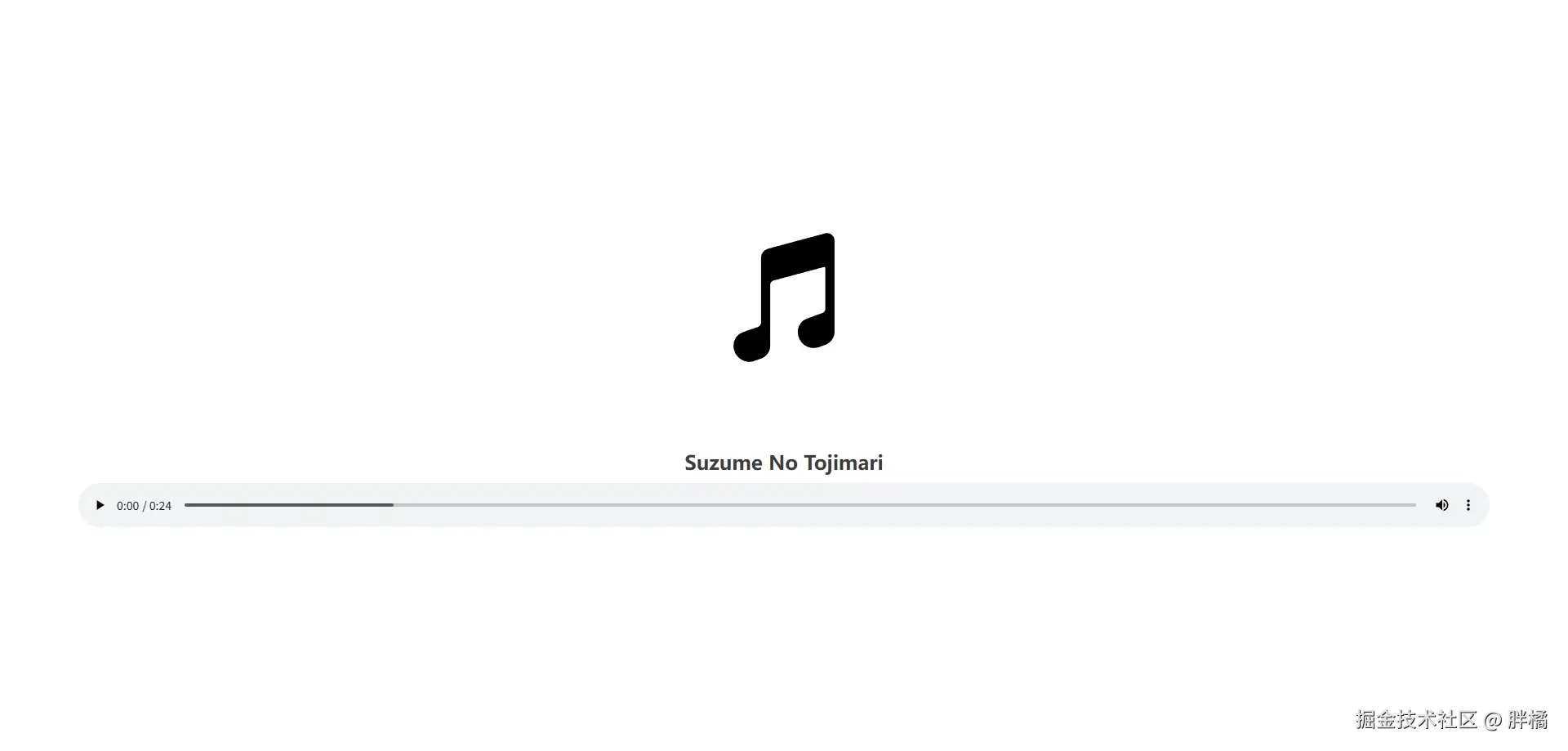
音频预览组件,使用audio标签实现
| 属性 | 类型 | 默认值 | 说明 |
|---|---|---|---|
src | string | undefined | 音频文件的URL |
title | string | undefined | 音频的标题 |
cover | string | cover | 音频封面图片URL |
autoplay | boolean | false | 是否启用自动播放(源自audio标签) |
controls | boolean | true | 是否启用控制面板(源自audio标签) |
coverHeight | number | 180 | 封面图片高度(源自Naive UI Image的width属性) |
coverObjectFit | "fill" | "contain" | "cover" | "none" | "scale-down" | "cover" | 封面图片缩放模式(源自Naive UI Image的object-fit属性) |
coverFallbackSrc | string | undefined | 封面图片加载失败时显示的地址(源自Naive UI Image的fallback-src属性) |
coverFallbackIcon | Component | MusicalNote(@vicons/ionicons5) | 封面图片加载失败时显示的图标组件(源自Naive UI Icon的component属性) |
| 名称 | 参数 | 说明 |
|---|---|---|
ready | () | 音频可以播放时触发 |
error | (error: MediaError) | 音频播放失败时触发(error由audio标签抛出) |
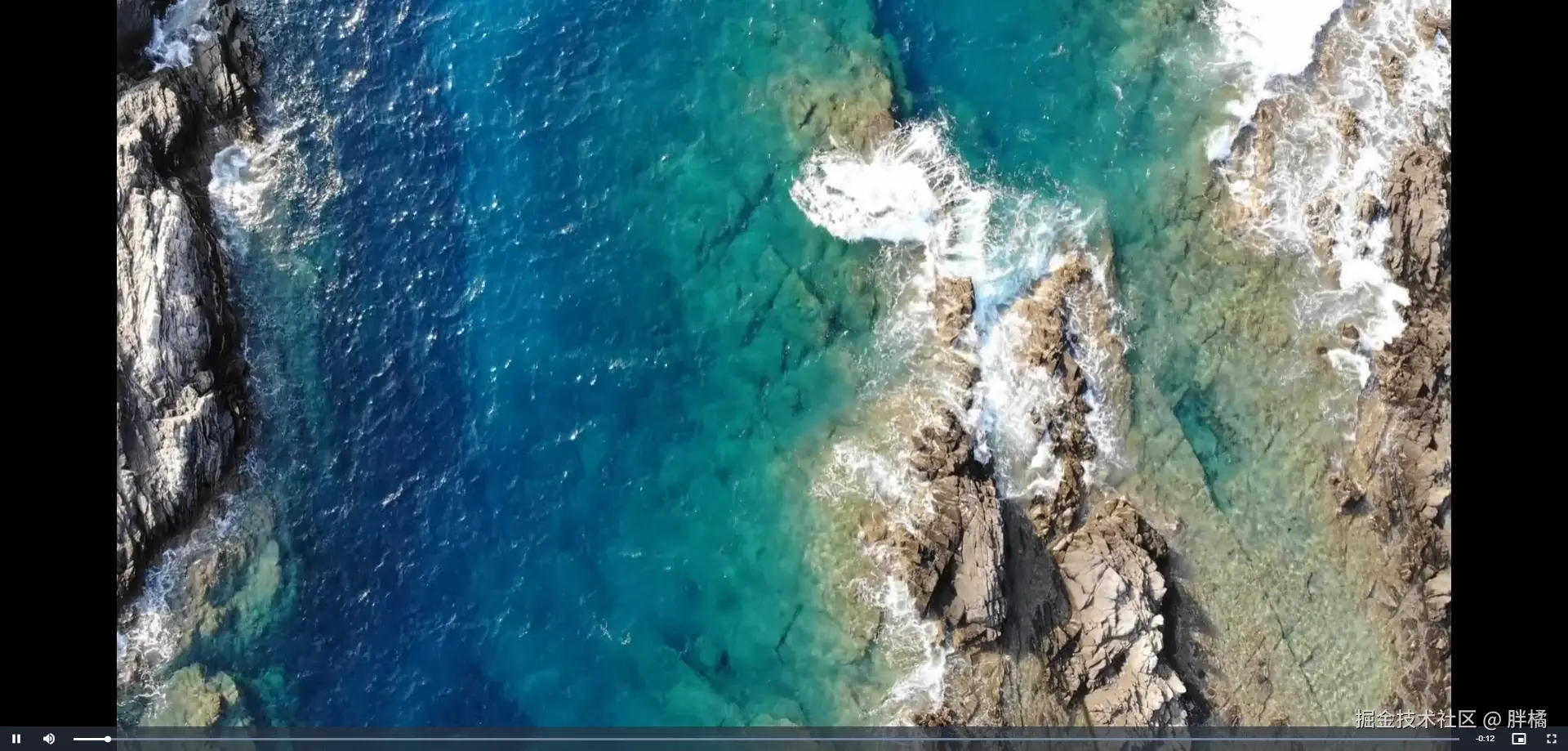
视频预览组件,使用video.js实现
| 属性 | 类型 | 默认值 | 说明 |
|---|---|---|---|
src | { url: string; mimeType: string } | string | undefined | 视频文件的URL |
poster | string | undefined | 视频封面图片的URL |
playerOptions | Record<string, unknown> | { language: "zh-CN", autoplay: false, controls: true } | videojs方法的options |
| 名称 | 参数 | 说明 |
|---|---|---|
ready | () | 视频可以播放时触发 |
error | (error: MediaError) | 视频播放失败时触发(error由videojs抛出) |
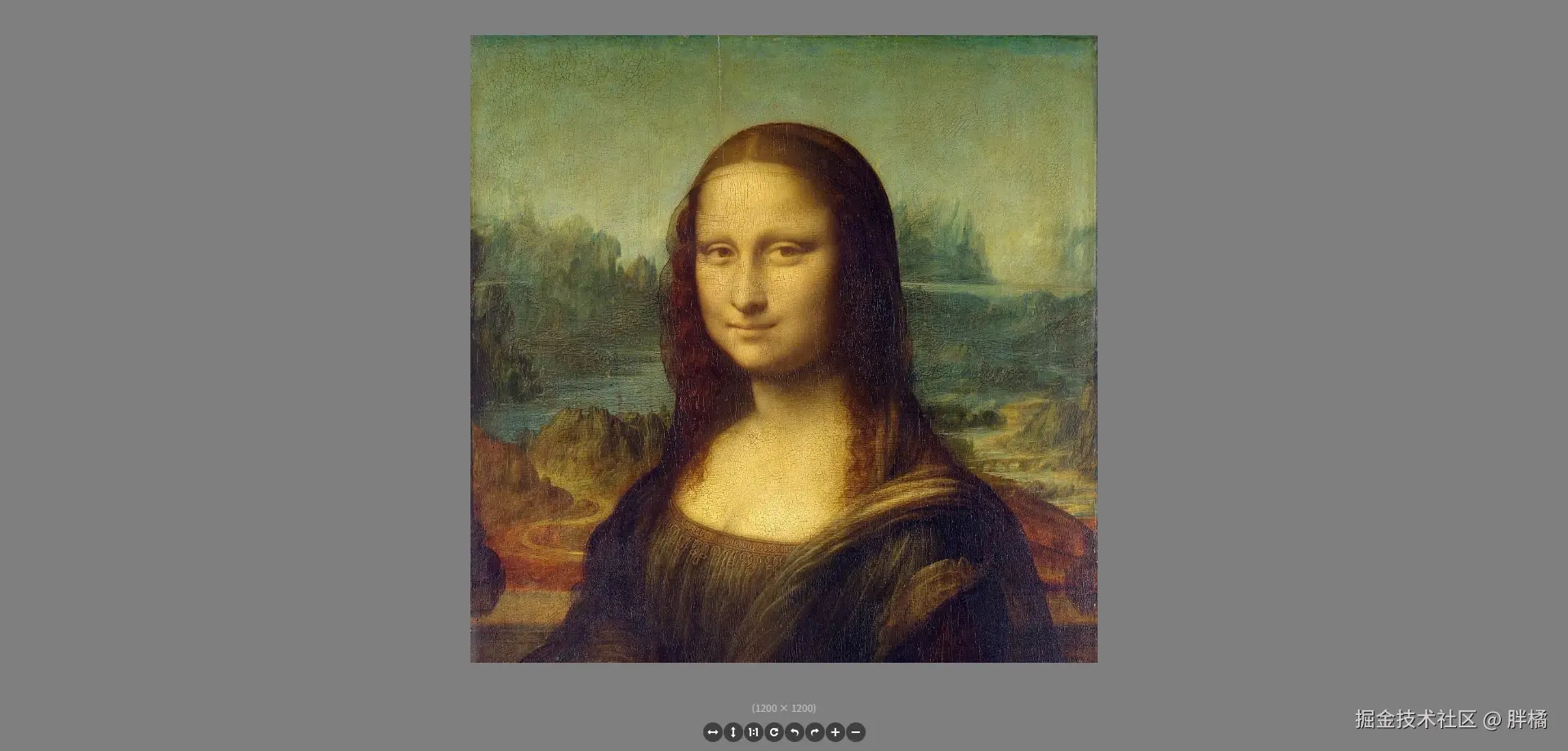
图片预览组件,使用Viewer.js实现
| 属性 | 类型 | 默认值 | 说明 |
|---|---|---|---|
src | string | undefined | 图片文件的URL |
title | string | undefined | 图片标题 |
viewerOptions | Record<string, unknown> | { toolbar: { flipHorizontal: true, flipVertical: true, next: false, oneToOne: true, play: false, prev: false, reset: true, rotateLeft: true, rotateRight: true, zoomIn: true, zoomOut: true }} | Viewer构造方法的options |
| 名称 | 参数 | 说明 |
|---|---|---|
ready | () | 图片加载完成时触发(由Viewer.js的viewed事件发出) |
error | () | 浏览器加载图片失败时触发 |
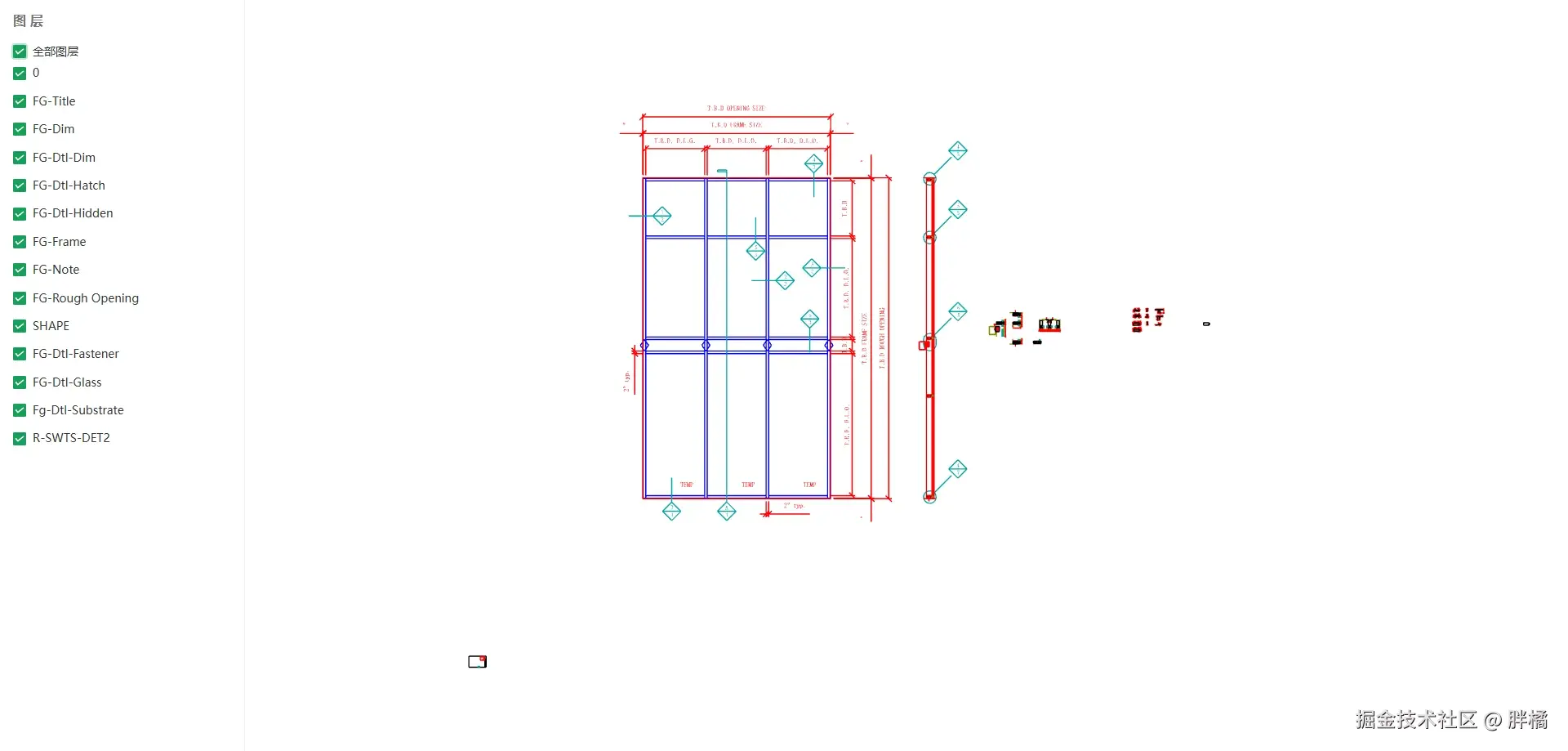
DXF预览组件,使用dxf-viewer实现
| 属性 | 类型 | 默认值 | 说明 |
|---|---|---|---|
src | string | undefined | DXF文件的URL |
showProgressBar | boolean | true | 是否显示加载进度条 |
showLayerList | boolean | true | 是否显示图层列表 |
layerListWidth | number | string | 300 | 图层列表宽度(源自Naive UI Layout-Sider的width属性) |
fonts | string[] | [] | 渲染使用到的字体 |
dxfViewerOptions | Record<string, unknown> | { fileEncoding: "utf-8", clearColor: new Three.Color("#fff"), autoResize: true, colorCorrection: true, sceneOptions: { wireframeMesh: true }} | DxfViewer构造方法的options,请参考DXF Viewer 源码 第691行 |
| 名称 | 参数 | 说明 |
|---|---|---|
ready | () | DXF加载完成时触发 |
error | (error: Error) | DXF加载失败时触发(error由dxf-viewer的Load方法抛出) |
progress | (phase: "font" | "fetch" | "parse" | "prepare", processedSize: number, totalSize: number) | DXF加载时抛出。参数说明: • phase: 当前加载阶段- font: 加载字体资源- fetch: 下载文件数据- parse: 解析文件内容- prepare: 准备渲染数据• processedSize: 已加载/处理的大小(字节)• totalSize: 资源总大小(字节) |
<template>
  <dxf-viewer src="https://raw.githubusercontent.com/gdsestimating/dxf-parser/refs/heads/master/samples/data/api-cw750-details.dxf" class="pangju-wh-100" :fonts="fonts" />
</template>

<script setup>
import {DxfViewer} from "@pangju666/file-viewer";
import {ref} from "vue";

import HanaMinAFont from "@/assets/fonts/HanaMinA.ttf";
import NanumGothicRegularFont from "@/assets/fonts/HanaMinA.ttf";
import NotoSansDisplaySemiCondensedLightItalicFont from "@/assets/fonts/HanaMinA.ttf";
import RobotoLightItalicFont from "@/assets/fonts/HanaMinA.ttf";

const fonts = ref([
  HanaMinAFont, NanumGothicRegularFont, NotoSansDisplaySemiCondensedLightItalicFont, RobotoLightItalicFont
]);
</script>
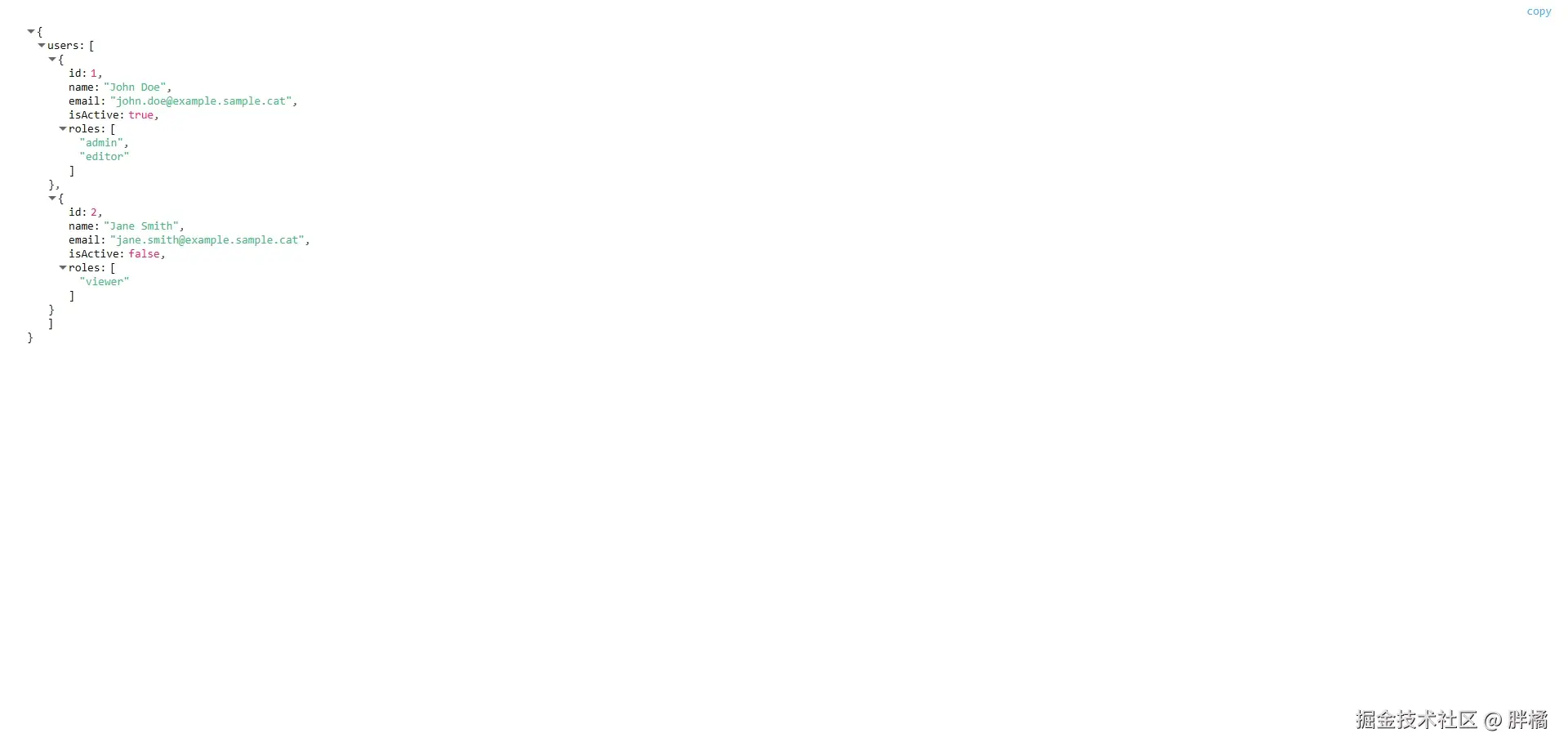
JSON预览组件,使用vue3-json-viewer实现
| 属性 | 类型 | 默认值 | 说明 |
|---|---|---|---|
src | string | { url: string; fileEncoding?: string } | undefined | JSON文件的URL |
contentLoader | (url: string, fileEncoding: string) => Record<string, unknown> | Promise<Record<string, unknown>> | 使用fetch下载 | 自定义从URL加载文件内容的方法 |
jsonViewerProps | Record<string, unknown> | { copyable: true, expanded: true, expandDepth: 10 } | JsonViewer 属性 |
| 名称 | 参数 | 说明 |
|---|---|---|
ready | () | 文件内容加载完成时触发 |
error | (error: Error) | 文件内容加载失败时触发(error由fetch抛出) |
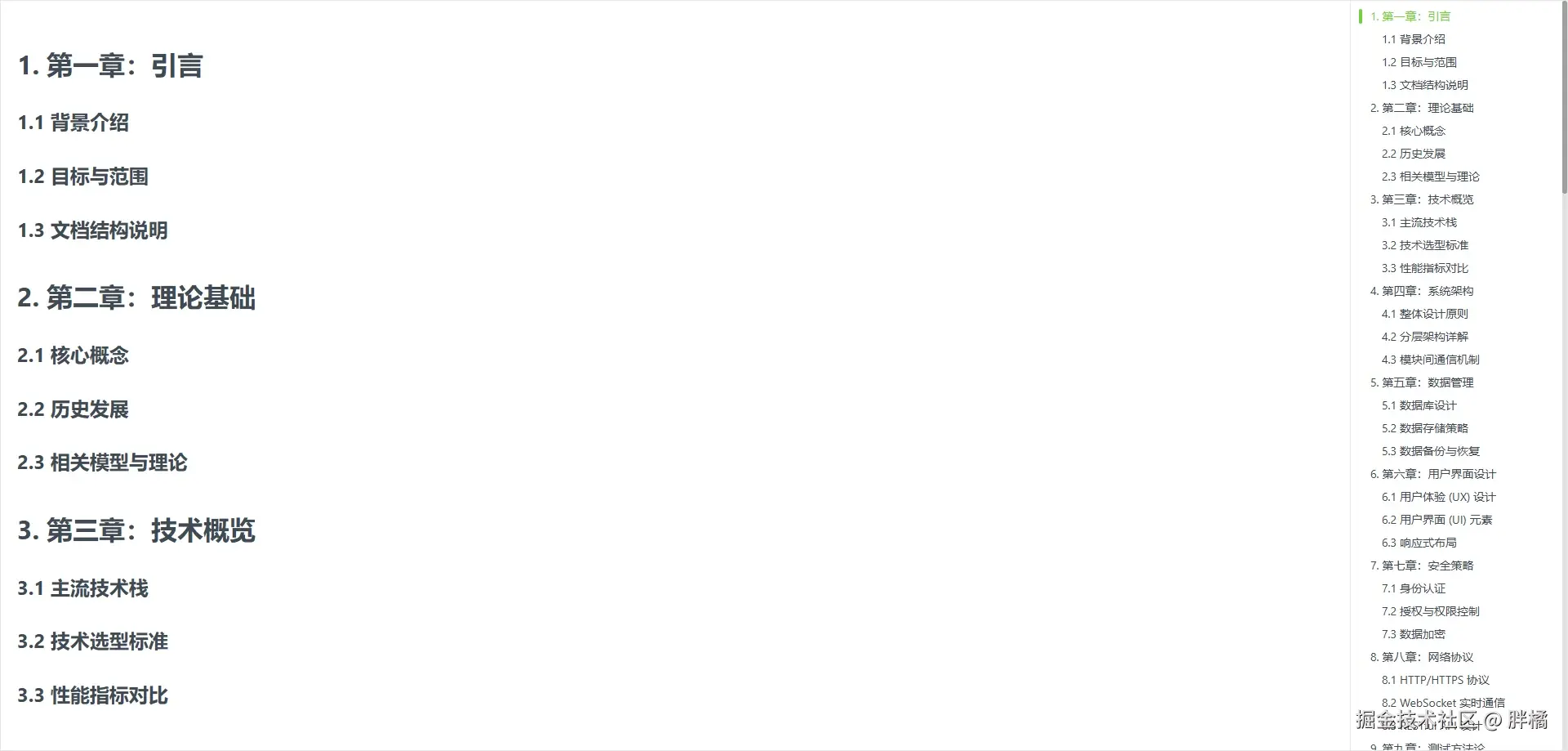
Markdown预览组件,使用md-editor-v3实现
| 属性 | 类型 | 默认值 | 说明 |
|---|---|---|---|
src | string | { url: string; fileEncoding?: string } | undefined | Markdown文件的URL |
showCatalog | boolean | true | 是否显示目录 |
catalogWidth | number | 350 | 目录宽度 |
contentLoader | (url: string, fileEncoding: string) => string | Promise<string> | 使用fetch下载 | 自定义从URL加载文件内容的方法 |
mdPreviewProps | Record<string, unknown> | undefined | MdPreview 属性 |
| 名称 | 参数 | 说明 |
|---|---|---|
ready | () | 文件内容加载完成时触发 |
error | (error: Error) | 文件内容加载失败时触发(error由fetch抛出) |
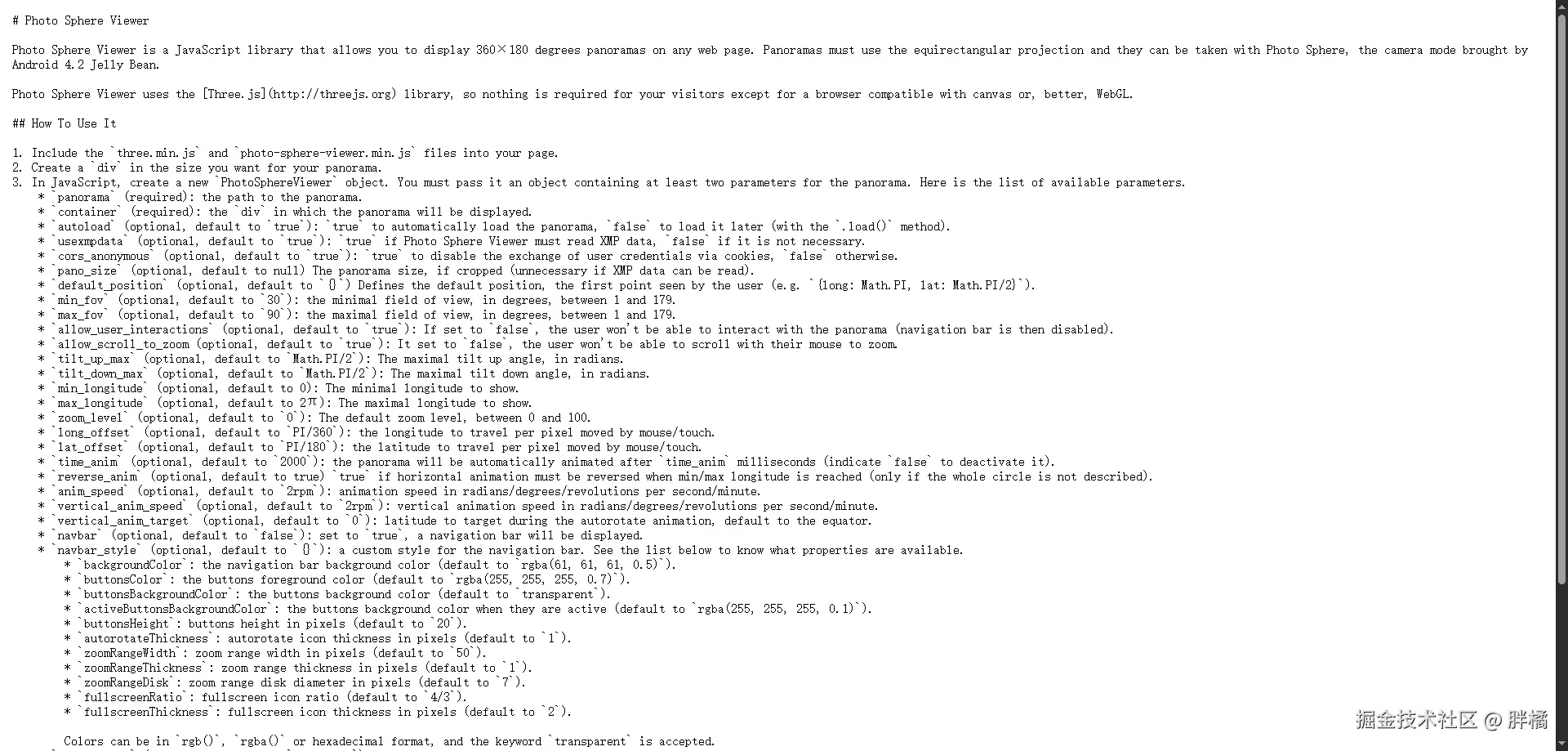
纯文本预览组件,使用pre元素实现
| 属性 | 类型 | 默认值 | 说明 |
|---|---|---|---|
src | string | { url: string; fileEncoding?: string } | undefined | 纯文本文件的URL |
contentLoader | (url: string, fileEncoding: string) => string | Promise<string> | 使用fetch下载 | 自定义从URL加载文件内容的方法 |
| 名称 | 参数 | 说明 |
|---|---|---|
ready | () | 文件内容加载完成时触发 |
error | (error: Error) | 文件内容加载失败时触发(error由fetch抛出) |
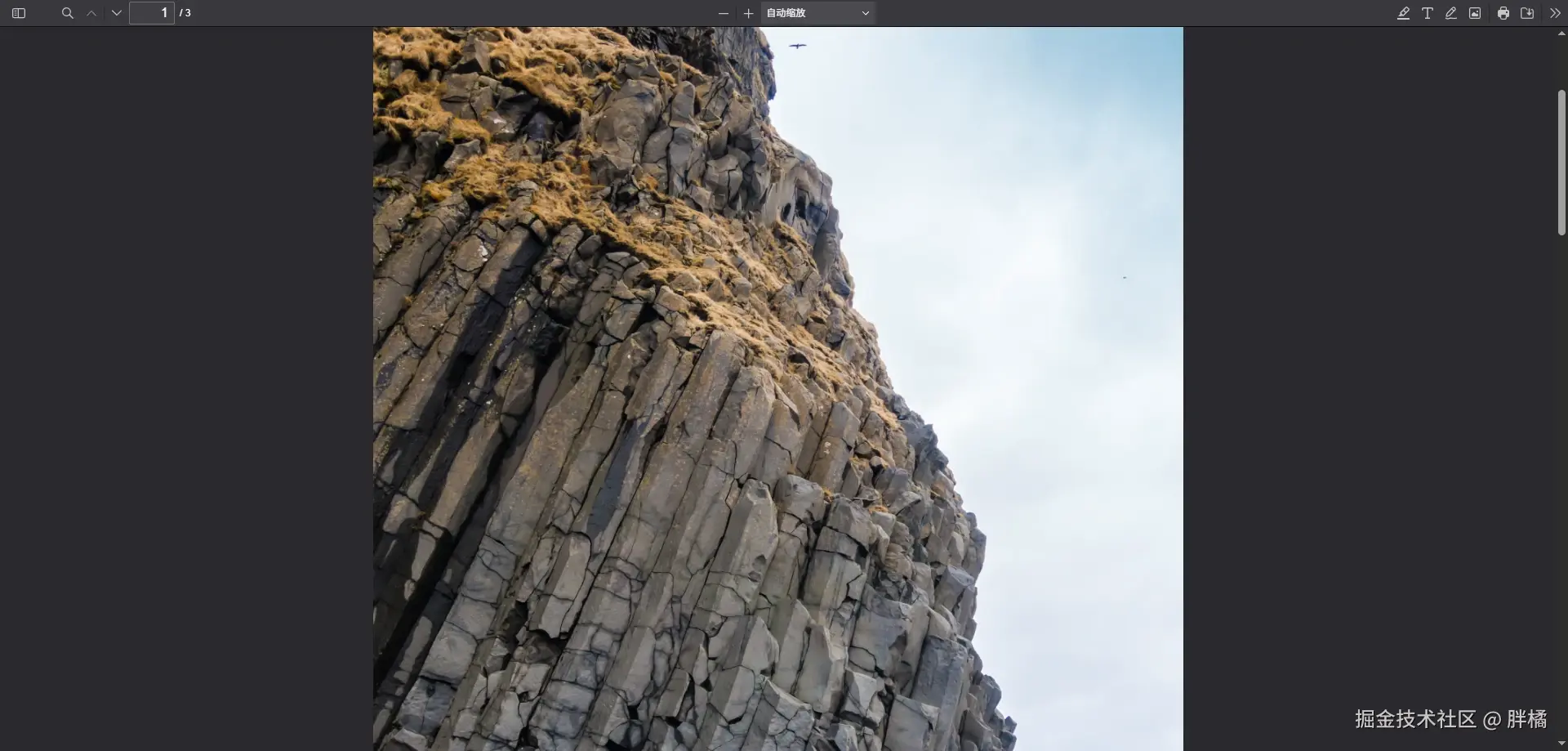
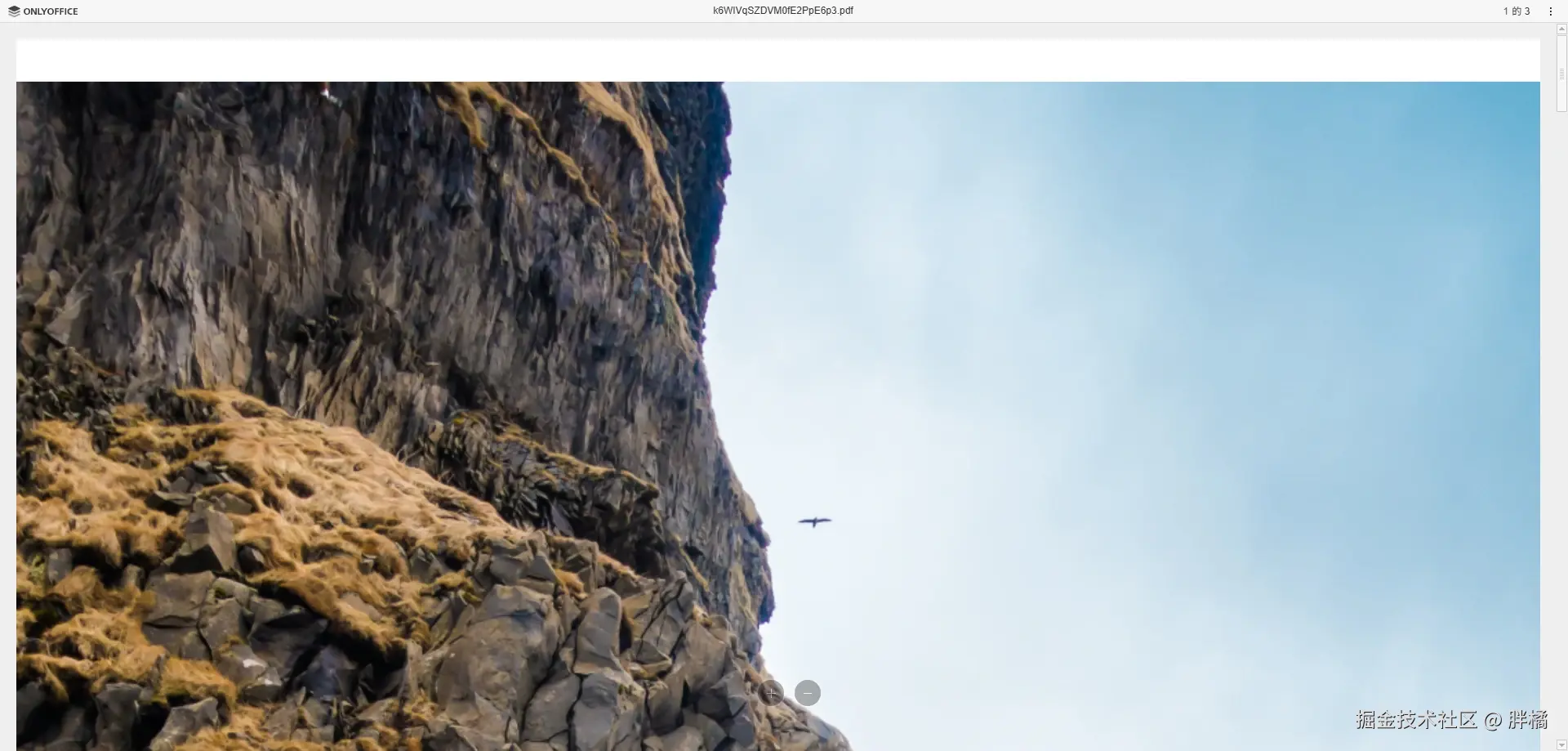
PDF预览组件,使用PDF.js Viewer或OnlyOffice实现
| 属性 | 类型 | 默认值 | 说明 |
|---|---|---|---|
src | string | { url: string; key?: string } | undefined | Pdf文件的URL(mode为onlyOffice时需要传入{ url: string; key: string }类型) |
title | string | undefined | Pdf文件的标题(仅在mode为onlyOffice时生效) |
id | string | "only-office-editor" | DocumentEditor的id |
token | string | undefined | OnlyOffice令牌配置 |
mode | "pdfjs" | "onlyOffice" | "pdfjs" | pdfjs使用iframe调用PDF.js Viewer实现,onlyOffice使用OnlyOffice实现 |
region | string | "zh-CN" | OnlyOffice地区配置 |
pdfjsViewBaseUrl | string | "https://mozilla.github.io/pdf.js/web/viewer.html" | PDF.js Viewer地址(最好改成自己部署的地址,或public目录下的路径) |
onlyOfficeServerUrl | string | undefined | OnlyOffice服务端地址,例如: |
| 名称 | 参数 | 说明 |
|---|---|---|
ready | () | 预览页面渲染完成时触发 |
error | (errorDescription: string, errorCode?: number) | Pdf文件加载失败时触发(errorDescription是错误信息,errorCode是错误代码) |
使用PDF.js Viewer
<template>
  <pdf-viewer src="https://disk.sample.cat/samples/pdf/sample-a4.pdf" mode="pdfjs" class="pangju-wh-100" />
</template>

<script setup>
  import {PdfViewer} from "@pangju666/file-viewer";
</script>
使用OnlyOffice
<template>
  <pdf-viewer :src="pdfUrl" title="Sample A4 PDF" mode="onlyOffice" only-office-server-url="http://localhost:10000" class="pangju-wh-100"/>
</template>

<script setup>
  import {PdfViewer} from "@pangju666/file-viewer";
  import {ref} from "vue";

  const pdfUrl = ref({
    url: "https://disk.sample.cat/samples/pdf/sample-a4.pdf",
    mimeType: "application/pdf",
    key: "1234"
  })
</script>
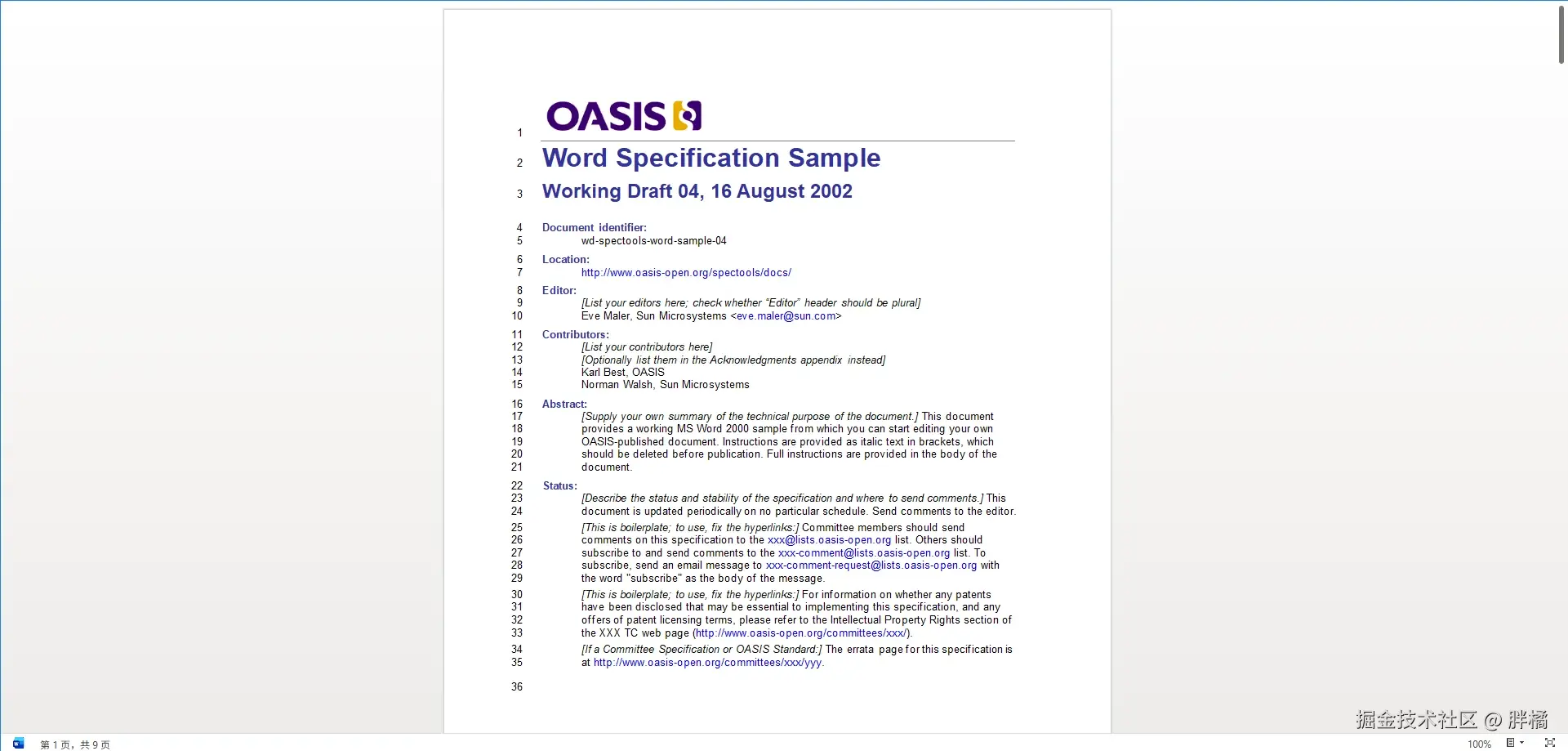
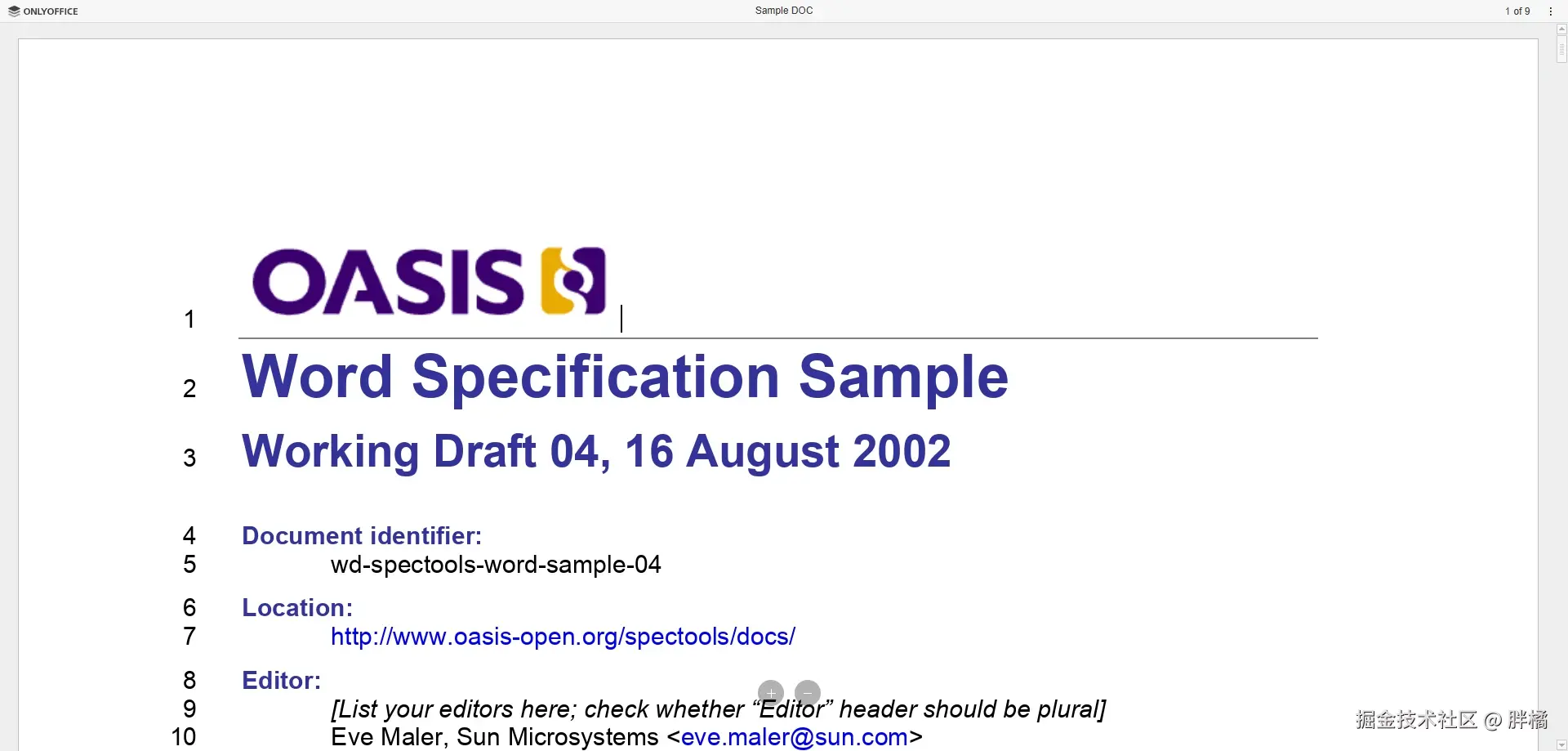
Office文档预览组件,使用Microsoft Office Online或OnlyOffice实现
| 属性 | 类型 | 默认值 | 说明 |
|---|---|---|---|
src | string | { url: string; mimeType: string; key?: string } | undefined | Office文件的URL(mode为onlyOffice时需要传入{ url: string; mimeType: string; key: string }类型) |
title | string | undefined | Office文件的标题(仅在mode为onlyOffice时生效) |
id | string | "only-office-editor" | DocumentEditor的id |
token | string | undefined | OnlyOffice令牌配置 |
mode | "microsoft" | "onlyOffice" | "microsoft" | microsoft使用iframe调用Microsoft Office Online实现,onlyOffice使用OnlyOffice实现 |
region | string | "zh-CN" | OnlyOffice地区配置 |
microsoftViewBaseUrl | string | "https://view.officeapps.live.com/op/embed.aspx" | Microsoft Office Online地址(一般不需要改) |
onlyOfficeServerUrl | string | undefined | OnlyOffice服务端地址,例如: |
| 名称 | 参数 | 说明 |
|---|---|---|
ready | () | 预览页面渲染完成时触发 |
error | (errorDescription: string, errorCode?: number) | Office文件加载失败时触发(errorDescription是错误信息,errorCode是错误代码) |
使用Microsoft Office Online
<template>
  <office-viewer src="https://disk.sample.cat/samples/docx/sample5.doc" mode="microsoft" class="pangju-wh-100" />
</template>

<script setup>
  import {OfficeViewer} from "@pangju666/file-viewer";
</script>
使用OnlyOffice
<template>
  <office-viewer :src="officeUrl" title="Sample DOC" mode="onlyOffice" only-office-server-url="http://localhost:10000" class="pangju-wh-100"/>
</template>

<script setup>
  import {OfficeViewer} from "@pangju666/file-viewer";
  import {ref} from "vue";

  const officeUrl = ref({
    url: "https://disk.sample.cat/samples/docx/sample5.doc",
    mimeType: "application/msword",
    key: "123"
  })
</script>
3D模型预览组件,使用@babylonjs/viewer实现
| 属性 | 类型 | 默认值 | 说明 |
|---|---|---|---|
src | { url: string; mimeType: string } | string | undefined | 3D模型文件的URL |
showProgressBar | boolean | true | 是否显示加载进度条(进度条为babylon-viewer元素内置UI) |
babylonViewerAttributes | Record<string, unknown> | undefined | babylon-viewer元素属性 |
| 名称 | 参数 | 说明 |
|---|---|---|
ready | () | 模型加载完成时触发 |
progress | (loadingProgress: number) | 模型加载时触发(loadingProgress为模型已加载进度百分比,例如:0.9) |
error | (error?: Error, errorMessage?: string) | 模型加载失败时触发(error和errorMessage来自babylon-viewer元素) |
<template>
  <model-viewer :src="modelSrc" class="pangju-wh-100"/>
</template>

<script setup>
  import {ModelViewer} from "@pangju666/file-viewer";
  import {ref} from "vue";

  const modelSrc = ref({
    url: 'https://threejs.org/examples/models/obj/male02/male02.obj',
    mimeType: 'model/obj'
  });
</script>
未知预览组件,当不存在对应文件类型的预览组件时的兜底组件
| 属性 | 类型 | 默认值 | 说明 |
|---|---|---|---|
title | string | "不支持预览该文件" | 标题 |
src | string | undefined | 文件的URL |
filename | string | undefined | 文件名称 |
mimeType | string | undefined | 文件的MIME Type |
| 名称 | 参数 | 说明 |
|---|---|---|
ready | () | 组件渲染时触发 |
<template>
  <unknown-viewer src="https://disk.sample.cat/samples/pdf/sample-a4.pdf" filename="Sample A4 PDF" mimeType="application/pdf" class="pangju-wh-100"/>
</template>

<script setup>
  import {UnknownViewer} from "@pangju666/file-viewer";
</script>
错误预览组件,用于展示文件预览时发生的错误
| 属性 | 类型 | 默认值 | 说明 |
|---|---|---|---|
reason | string | "文件预览失败" | 错误原因(用于展示) |
filename | string | undefined | 文件名称 |
src | string | undefined | 文件的URL |
mimeType | string | undefined | 文件的MIME Type |
<template>
  <error-viewer src="https://disk.sample.cat/samples/pdf/sample-a4.pdf" filename="Sample A4 PDF" mimeType="application/pdf" class="pangju-wh-100"/>
</template>

<script setup>
  import {ErrorViewer} from "@pangju666/file-viewer";
</script>