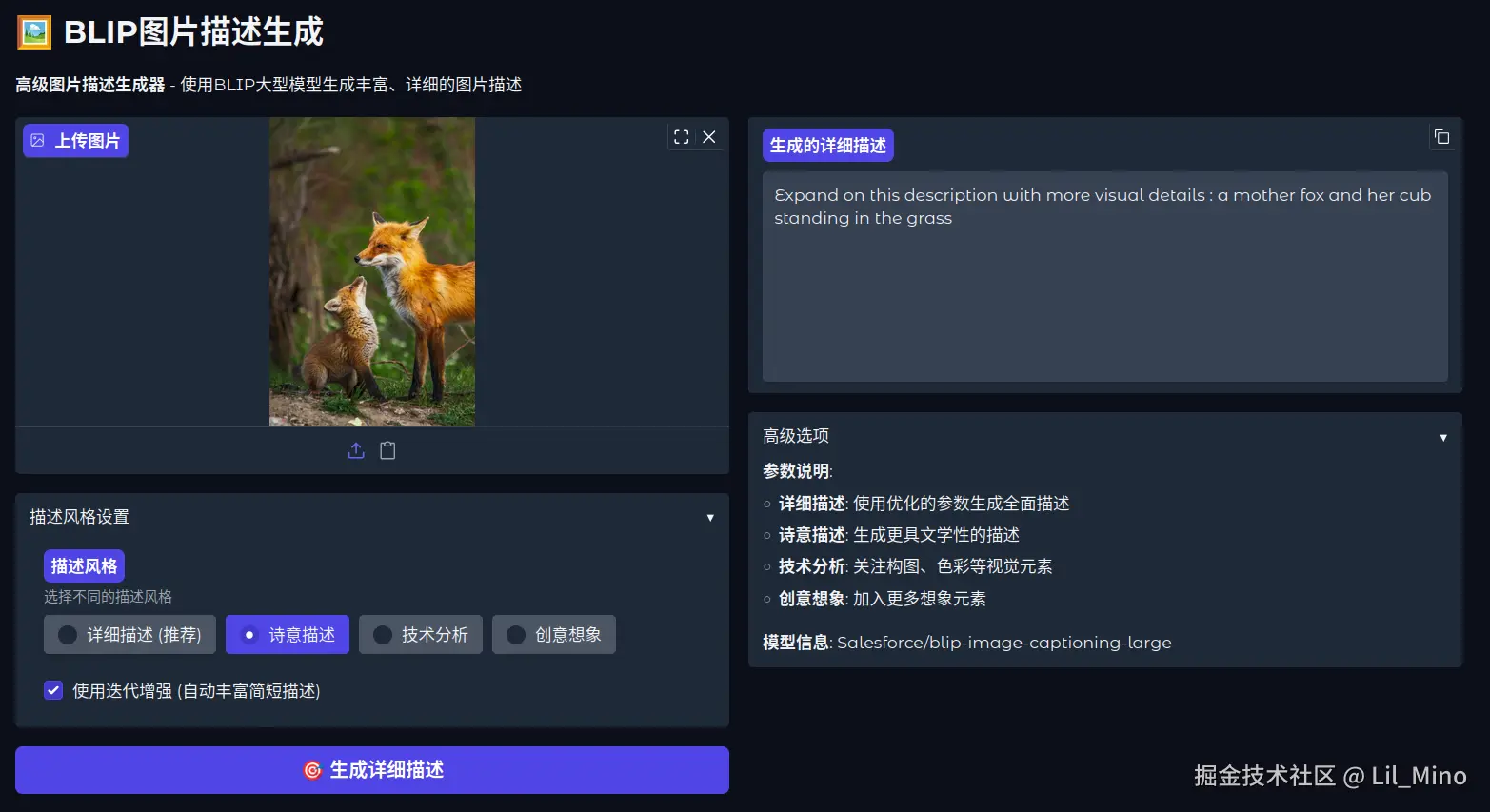
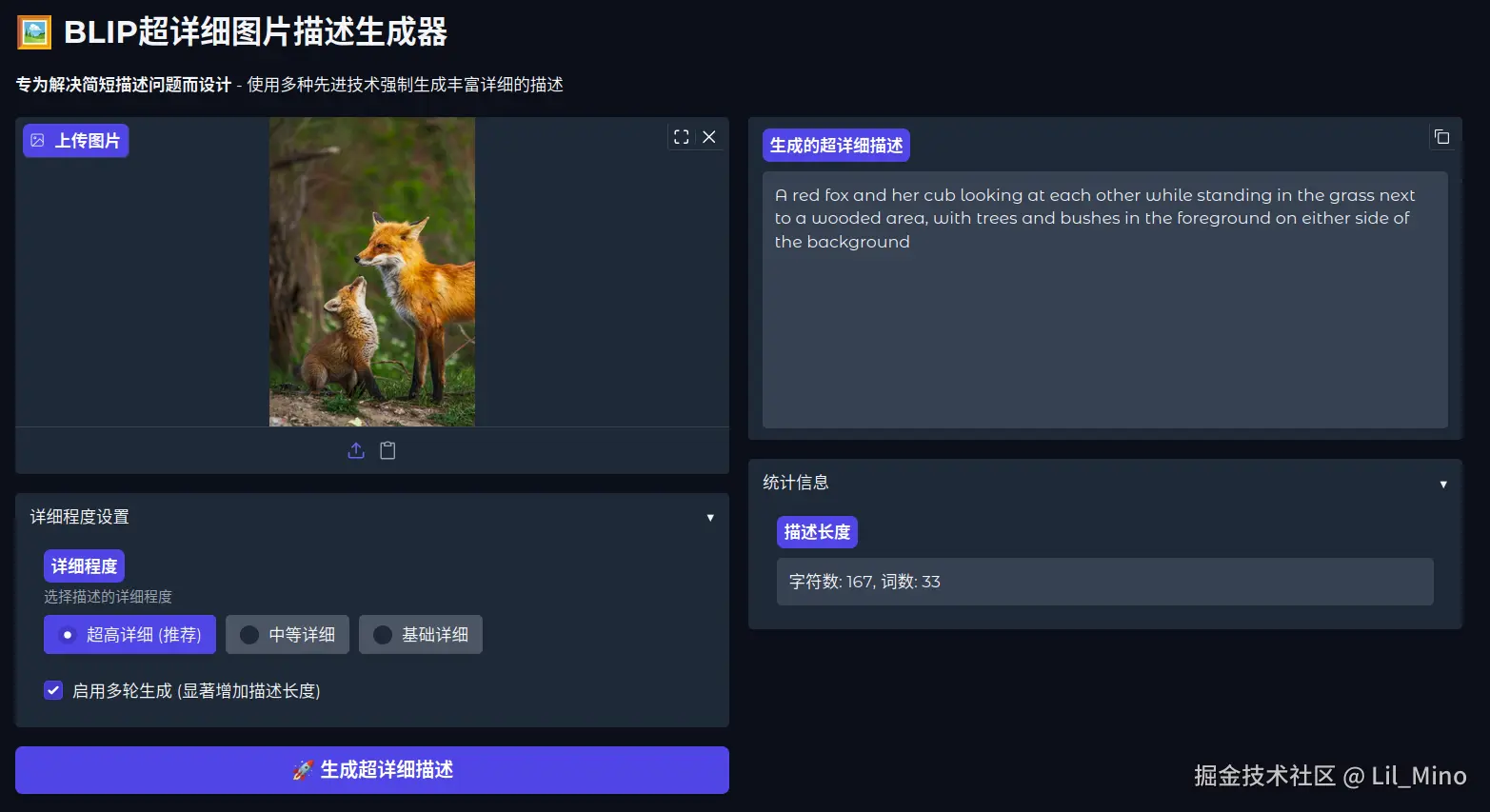


FC甜蜜之家
103.03M · 2026-03-26

BLIP(Bootstrapping Language-Image Pre-training)是一个为统一的视觉-语言理解和生成而设计的多模态预训练模型。它通过创新的模型架构和数据处理方法,有效解决了早期多模态模型在任务灵活性和数据质量方面的局限。下表概括了BLIP模型的核心信息:
| 特性 | 描述 |
|---|---|
| 全称 | Bootstrapping Language-Image Pre-training |
| 核心目标 | 实现视觉-语言理解(如检索、问答)与生成(如图像描述)任务的统一 |
| 模型架构 | 多模态混合编码器-解码器 (MED) |
| 核心创新 | 1.MED架构:一个模型同时支持三种模式(单模态编码、图像关联文本编码、图像关联文本解码) 2. CapFilt(数据自举方法):通过生成和过滤来提升训练数据质量 |
| 主要预训练目标 | Image-Text Contrastive (ITC), Image-Text Matching (ITM), Language Modeling (LM) |
| 典型应用 | 图像描述生成、视觉问答(VQA)、图像-文本检索、视觉推理 |
模型架构与工作原理
BLIP的核心在于其多模态混合 编码器 - 解码器架构,它巧妙地共享参数,使得一个模型能够胜任多种任务。
视觉 编码器 (Visual Encoder) :通常采用Vision Transformer (ViT),将输入图像编码成一系列特征向量。
文本转换器 (Text Transformer) :基于BERT架构,但根据功能不同分为三个角色,共享大部分参数(如嵌入层、前馈网络),仅在自注意力层有区别以实现不同功能:
创新数据处理:CapFilt
主要能力与应用场景
基于其统一的架构,BLIP在多种视觉-语言任务上表现出色:
图像描述生成:为给定的图像生成自然、准确的文字描述。
视觉问答:根据图像内容回答自然语言问题。
图像-文本检索:实现以图搜文或以文搜图,包括零样本检索能力。
拉取模型:
modelscope download --model Salesforce/blip-image-captioning-large --local_dir /i/xiaom/blip/models/blip-image-captioning-large
Gradio 服务:
# blip_gradio.py
import gradio as gr
from transformers import BlipProcessor, BlipForConditionalGeneration
from PIL import Image
import os

MODEL_PATH = "./models/blip-image-captioning-large"

# 检查模型路径是否存在
if not os.path.exists(MODEL_PATH):
    raise FileNotFoundError(f"模型路径不存在: {MODEL_PATH}")

print(f"正在从本地路径加载大型模型: {MODEL_PATH}")
try:
    # 从本地目录加载预训练模型和处理器
    processor = BlipProcessor.from_pretrained(MODEL_PATH)
    model = BlipForConditionalGeneration.from_pretrained(MODEL_PATH)
    print("大型模型加载完成!")
except Exception as e:
    print(f"模型加载失败: {str(e)}")
    raise

def generate_caption(image):
    """
    生成图片描述 - 使用更大的模型
    """
    try:
        # 确保图片是RGB格式
        if image.mode != 'RGB':
            image = image.convert('RGB')

        # 图像预处理与生成文本描述
        inputs = processor(image, return_tensors="pt")
        out = model.generate(**inputs)
        caption = processor.decode(out[0], skip_special_tokens=True)

        return caption

    except Exception as e:
        return f"处理图片时出现错误: {str(e)}"

def process_image(image):
    """
    处理图片并返回描述
    """
    caption = generate_caption(image)
    return caption

# 创建Gradio界面
with gr.Blocks(title="BLIP图片描述生成", theme=gr.themes.Soft()) as demo:
    gr.Markdown(
        """
        # ️ BLIP图片描述生成
        """.format(model_path=MODEL_PATH)
    )

    with gr.Row():
        with gr.Column():
            image_input = gr.Image(
                label="上传图片",
                type="pil",
                sources=["upload", "clipboard"],
                height=300
            )
            submit_btn = gr.Button("生成描述", variant="primary")

        with gr.Column():
            caption_output = gr.Textbox(
                label="图片描述",
                placeholder="更详细、更精确的描述将在这里显示...",
                lines=4,
                max_lines=8
            )

    # 绑定事件
    submit_btn.click(
        fn=process_image,
        inputs=image_input,
        outputs=caption_output
    )

# 启动服务
if __name__ == "__main__":
    demo.launch(
        server_name="0.0.0.0",
        server_port=29999,
        share=False,
        show_error=True
    )
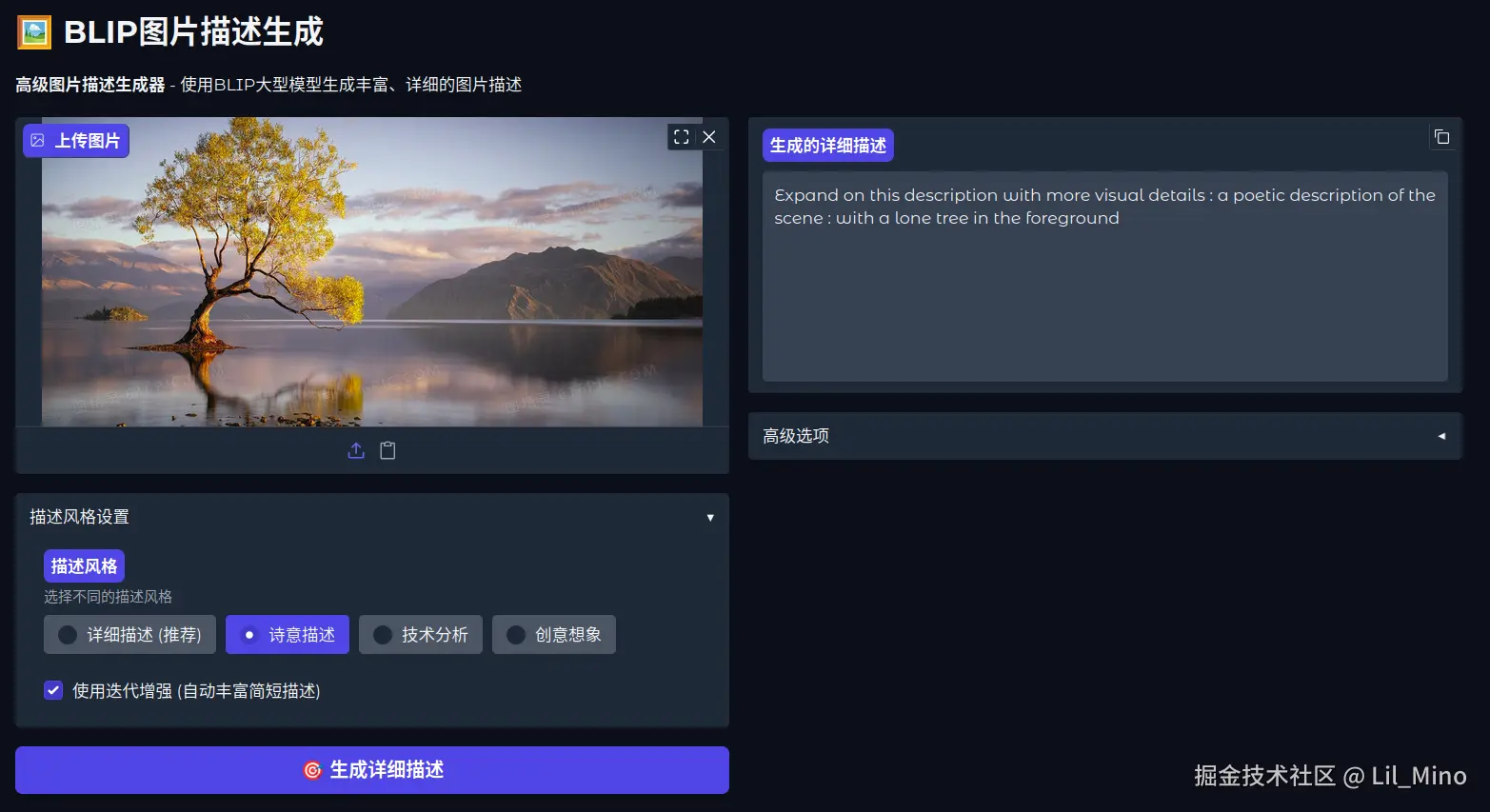
运行效果:描述倒是很准确,但是太过简略
优化一下
多提示词生成
激进的生成参数
max_length=150,  # 大幅增加最大长度
num_beams=8,     # 增加beam搜索宽度
length_penalty=3.0,  # 强烈鼓励长文本
repetition_penalty=1.8,  # 更强的重复惩罚
多轮迭代生成
智能后处理
import gradio as gr
from transformers import BlipProcessor, BlipForConditionalGeneration
from PIL import Image
import os
import torch
import re

MODEL_PATH = "./models/blip-image-captioning-large"

# 检查模型路径是否存在
if not os.path.exists(MODEL_PATH):
    raise FileNotFoundError(f"模型路径不存在: {MODEL_PATH}")

print(f"正在从本地路径加载大型模型: {MODEL_PATH}")
try:
    processor = BlipProcessor.from_pretrained(MODEL_PATH)
    model = BlipForConditionalGeneration.from_pretrained(MODEL_PATH)
    print("大型模型加载完成!")
except Exception as e:
    print(f"模型加载失败: {str(e)}")
    raise

def clean_caption(caption):
    """
    清理描述,移除所有提示词内容和冒号
    """
    # 移除常见的提示词模式
    patterns_to_remove = [
        r'^a photography ofs*:?s*',
        r'^a detailed photography ofs*:?s*',
        r'^a professional photography ofs*:?s*',
        r'^a high resolution photography ofs*:?s*',
        r'^a picture ofs*:?s*',
        r'^an image ofs*:?s*',
        r'^a photo ofs*:?s*',
        r'^a close up ofs*:?s*',
        r'^a view ofs*:?s*',
        r'^a scene ofs*:?s*',
        r'^provide a comprehensive description of this image that showss*:?s*',
        r'^describe this image in detail, includings*:?s*',
        r'^write a detailed paragraph about this image featurings*:?s*',
        r'^add more specific visual details to this descriptions*:?s*',
    ]

    for pattern in patterns_to_remove:
        caption = re.sub(pattern, '', caption, flags=re.IGNORECASE)

    # 移除开头的冒号和空格
    caption = re.sub(r'^:s*', '', caption)

    # 移除开头的标点符号和空格
    caption = re.sub(r'^[.,!?;-s]*', '', caption)

    # 确保首字母大写
    if caption and len(caption) > 0:
        caption = caption[0].upper() + caption[1:]

    return caption.strip()

def generate_comprehensive_description(image, style="detailed"):
    """
    生成全面详细的图片描述 - 使用多种技术强制生成长描述
    """
    try:
        if image.mode != 'RGB':
            image = image.convert('RGB')

        # 使用更强的提示词来强制生成详细描述
        detailed_prompts = [
            "a photography of",
            "a detailed photography of",
            "a professional photography of",
            "a high resolution photography of"
        ]

        all_captions = []

        # 使用多个提示词生成多个描述
        for prompt in detailed_prompts:
            inputs = processor(image, text=prompt, return_tensors="pt")

            with torch.no_grad():
                out = model.generate(
                    **inputs,
                    max_length=150,  # 显著增加最大长度
                    num_beams=8,     # 增加beam数量
                    temperature=0.8,
                    repetition_penalty=1.8,  # 增加重复惩罚
                    do_sample=True,
                    early_stopping=False,   # 不提前停止
                    length_penalty=3.0,     # 大幅增加长度奖励
                    no_repeat_ngram_size=4, # 增加n-gram惩罚
                    num_return_sequences=1
                )

            caption = processor.decode(out[0], skip_special_tokens=True)

            # 清理描述 - 移除所有提示词内容
            caption = clean_caption(caption)

            if caption and len(caption) > 20:  # 只保留有意义的描述
                all_captions.append(caption)

        # 如果生成了多个描述,组合它们
        if len(all_captions) > 1:
            # 选择最长的描述
            final_caption = max(all_captions, key=len)

            # 如果还是太短,尝试组合
            if len(final_caption.split()) < 25:
                unique_parts = []
                for cap in all_captions:
                    words = cap.split()
                    for word in words:
                        if word not in unique_parts and len(word) > 3:
                            unique_parts.append(word)

                if len(unique_parts) > 10:
                    final_caption = "The image shows " + ", ".join(unique_parts[:15]) + ". " + final_caption
        else:
            final_caption = all_captions[0] if all_captions else ""

        # 如果描述仍然很短,使用后处理扩展
        if len(final_caption.split()) < 15:
            final_caption = extend_short_caption(final_caption, image)

        return final_caption

    except Exception as e:
        return f"处理图片时出现错误: {str(e)}"

def extend_short_caption(short_caption, image):
    """
    对过短的描述进行扩展
    """
    try:
        if len(short_caption.split()) < 10:
            # 使用更具体的提示词来扩展
            extension_prompts = [
                f"Provide a comprehensive description of this image that shows {short_caption}",
                f"Describe this image in detail, including {short_caption}",
                f"Write a detailed paragraph about this image featuring {short_caption}"
            ]

            extended_captions = []

            for prompt in extension_prompts:
                inputs = processor(image, text=prompt, return_tensors="pt")

                with torch.no_grad():
                    out = model.generate(
                        **inputs,
                        max_length=200,  # 更长的最大长度
                        num_beams=6,
                        temperature=0.9,
                        repetition_penalty=1.5,
                        do_sample=True,
                        length_penalty=2.5,
                        no_repeat_ngram_size=3
                    )

                extended = processor.decode(out[0], skip_special_tokens=True)

                # 清理扩展的描述 - 移除所有提示词内容
                extended = clean_caption(extended)

                if len(extended.split()) > len(short_caption.split()) + 5:
                    extended_captions.append(extended)

            if extended_captions:
                # 返回最长的扩展描述
                return max(extended_captions, key=len)

        return short_caption

    except Exception as e:
        print(f"扩展描述时出错: {e}")
        return short_caption

def multi_round_description(image, rounds=2):
    """
    多轮描述生成 - 每轮基于前一轮的结果添加更多细节
    """
    try:
        # 第一轮生成基础描述
        base_caption = generate_comprehensive_description(image)

        if rounds <= 1:
            return base_caption

        current_description = base_caption

        for round_num in range(1, rounds):
            # 基于当前描述添加更多细节
            enhancement_prompt = f"Add more specific visual details to this description: {current_description}"

            inputs = processor(image, text=enhancement_prompt, return_tensors="pt")

            with torch.no_grad():
                out = model.generate(
                    **inputs,
                    max_length=250,
                    num_beams=7,
                    temperature=0.85,
                    repetition_penalty=1.6,
                    do_sample=True,
                    length_penalty=2.0,
                    no_repeat_ngram_size=4
                )

            enhanced = processor.decode(out[0], skip_special_tokens=True)

            # 清理增强的描述 - 移除所有提示词内容
            enhanced = clean_caption(enhanced)

            # 只有当新描述明显更长时才更新
            if len(enhanced.split()) > len(current_description.split()) + 8:
                current_description = enhanced

        return current_description

    except Exception as e:
        print(f"多轮生成时出错: {e}")
        return generate_comprehensive_description(image)

def process_image_ultimate(image, detail_level="high", use_multi_round=True):
    """
    终极图片处理函数 - 使用所有可用技术生成最详细的描述
    """
    if use_multi_round:
        if detail_level == "high":
            rounds = 3
        elif detail_level == "medium":
            rounds = 2
        else:
            rounds = 1

        return multi_round_description(image, rounds=rounds)
    else:
        return generate_comprehensive_description(image)

# 创建终极界面
with gr.Blocks(title="BLIP超详细图片描述生成器", theme=gr.themes.Soft()) as demo:
    gr.Markdown(
        """
        # ️ BLIP超详细图片描述生成器
        """
    )

    with gr.Row():
        with gr.Column():
            image_input = gr.Image(
                label="上传图片",
                type="pil",
                sources=["upload", "clipboard"],
                height=300
            )

            with gr.Accordion("详细程度设置", open=True):
                detail_level = gr.Radio(
                    choices=[
                        ("超高详细 (推荐)", "high"),
                        ("中等详细", "medium"),
                        ("基础详细", "low")
                    ],
                    value="high",
                    label="详细程度",
                    info="选择描述的详细程度"
                )

                use_multi_round = gr.Checkbox(
                    value=True,
                    label="启用多轮生成 (显著增加描述长度)"
                )

            submit_btn = gr.Button(" 生成超详细描述", variant="primary", size="lg")

            gr.Markdown("""
            **技术说明**:
            - **多提示词生成**: 使用多个提示词生成多个候选描述
            - **长度强制**: 通过参数设置强制生成长文本
            - **多轮迭代**: 基于前一轮结果添加更多细节
            - **后处理扩展**: 对过短描述进行智能扩展
            - **智能清理**: 自动移除提示词和冒号前的内容

            **推荐设置**: 启用"超高详细"和"多轮生成"获得最佳效果
            """)

        with gr.Column():
            caption_output = gr.Textbox(
                label="生成的超详细描述",
                placeholder="这里将显示非常详细的图片描述...",
                lines=10,
                max_lines=20,
                show_copy_button=True
            )

            with gr.Accordion("统计信息", open=False):
                caption_length = gr.Textbox(
                    label="描述长度",
                    placeholder="字符数和词数将在这里显示...",
                    lines=1
                )

    def update_caption_length(caption):
        """更新描述长度统计"""
        if caption and not caption.startswith("处理图片时出现错误"):
            char_count = len(caption)
            word_count = len(caption.split())
            return f"字符数: {char_count}, 词数: {word_count}"
        return ""

    # 绑定事件
    def process_and_update(image, detail, multi_round):
        caption = process_image_ultimate(image, detail, multi_round)
        length_info = update_caption_length(caption)
        return caption, length_info

    submit_btn.click(
        fn=process_and_update,
        inputs=[image_input, detail_level, use_multi_round],
        outputs=[caption_output, caption_length]
    )

# 启动服务
if __name__ == "__main__":
    demo.launch(
        server_name="0.0.0.0",
        server_port=29999,
        share=False,
        show_error=True
    )
优化效果:还不错,至少增加了前后景的描述;后期增加大模型的润色会更好
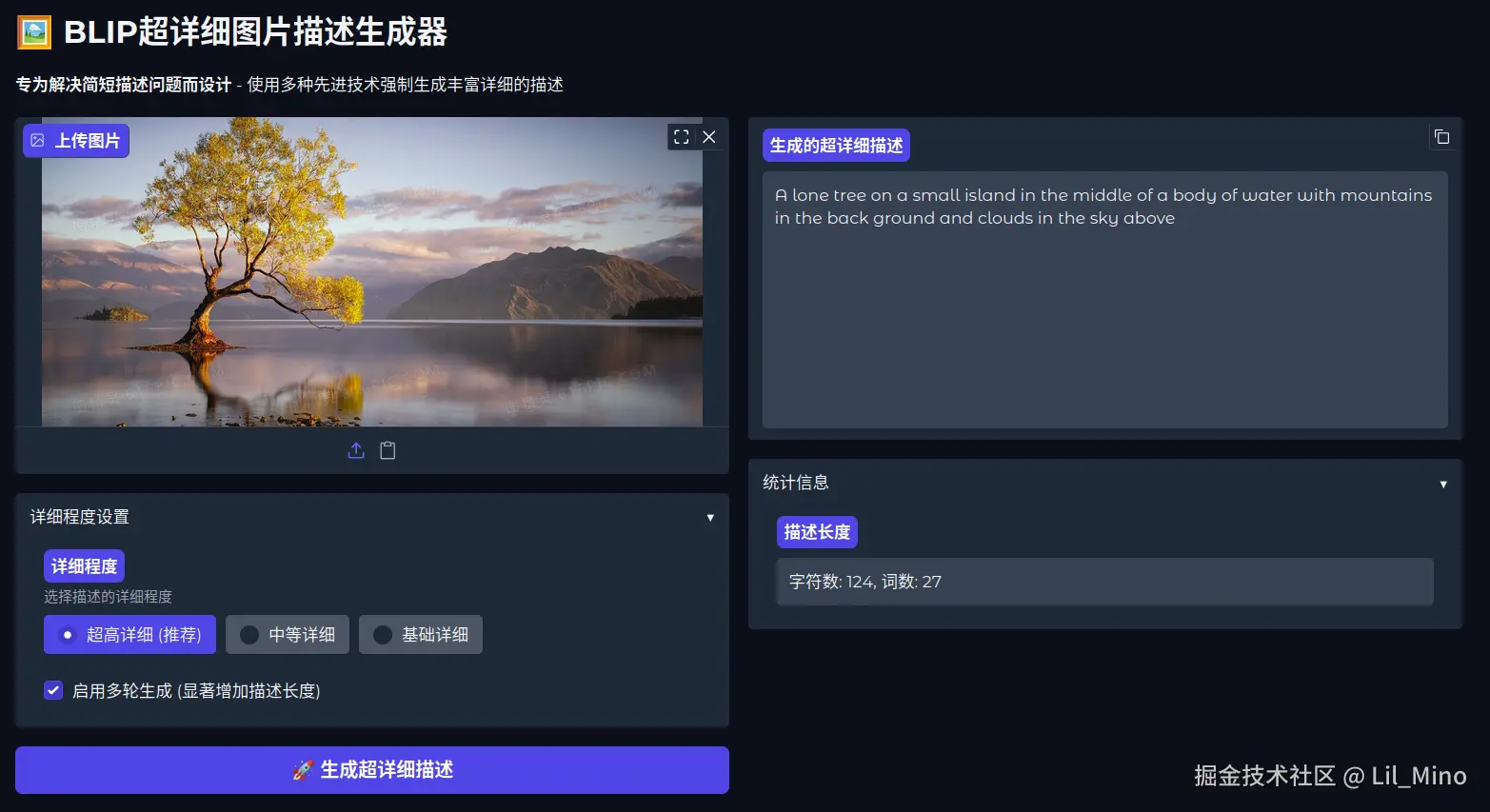
相比于 CLIP 那种特征向量、语义分析级别的图片描述内容,BLIP 的描述结果就很直接和可观,利于供给大模型进行图像识别分析与回答